01 · Easy setup
Start sending without the technical setup.
Get a ready-to-use sending address, or use your own domain. Guided setup gets your firm ready to send.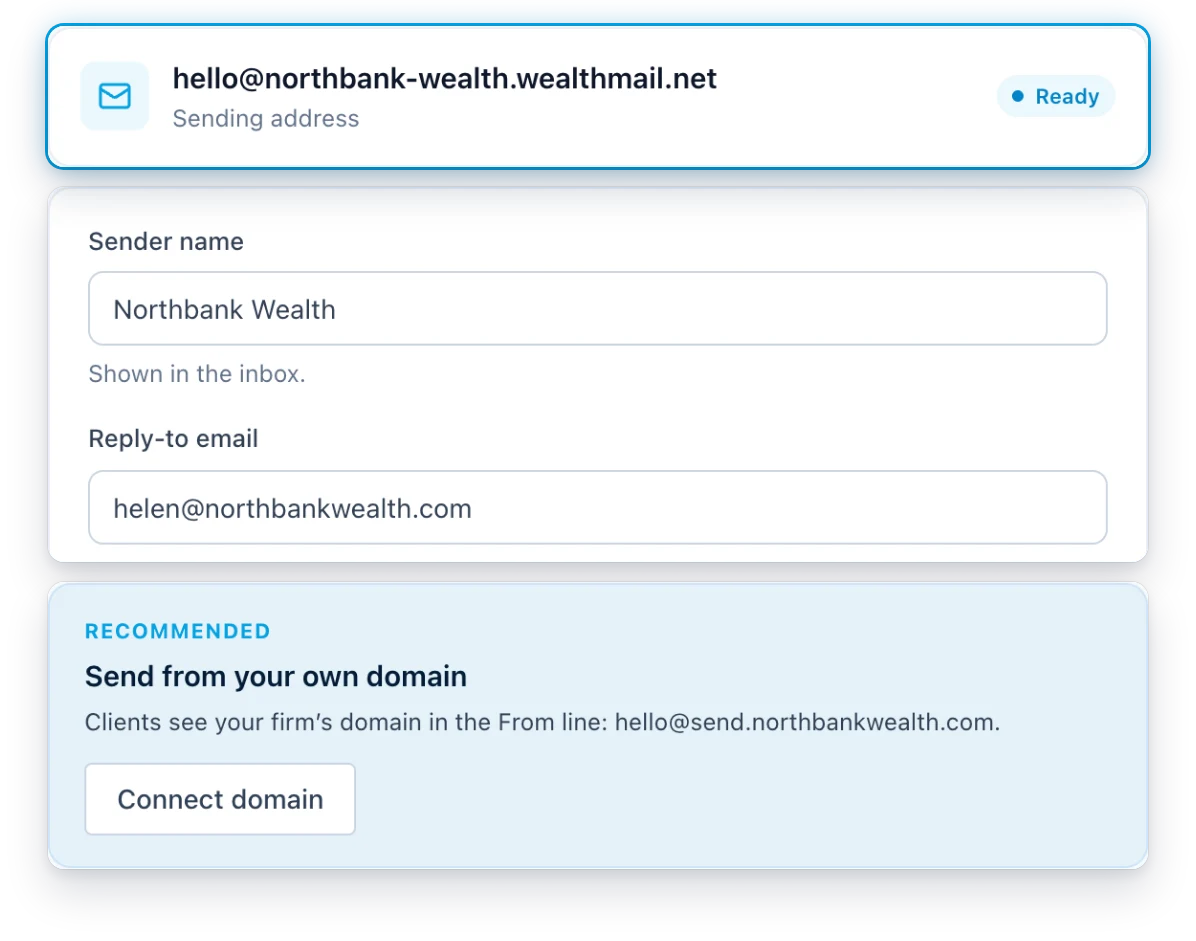
 KOTAFI
Email marketing for financial advisors
Keep clients engaged and follow up with leads automatically. Send personal, timely emails without adding more work to your week. Your firm sets the review rules.
Built for the relationships behind your business
Remember every birthday. Stay ahead of annual reviews. Follow up while a new lead is interested. Your campaigns keep the conversation going, even when your calendar is full.
01 · Easy setup
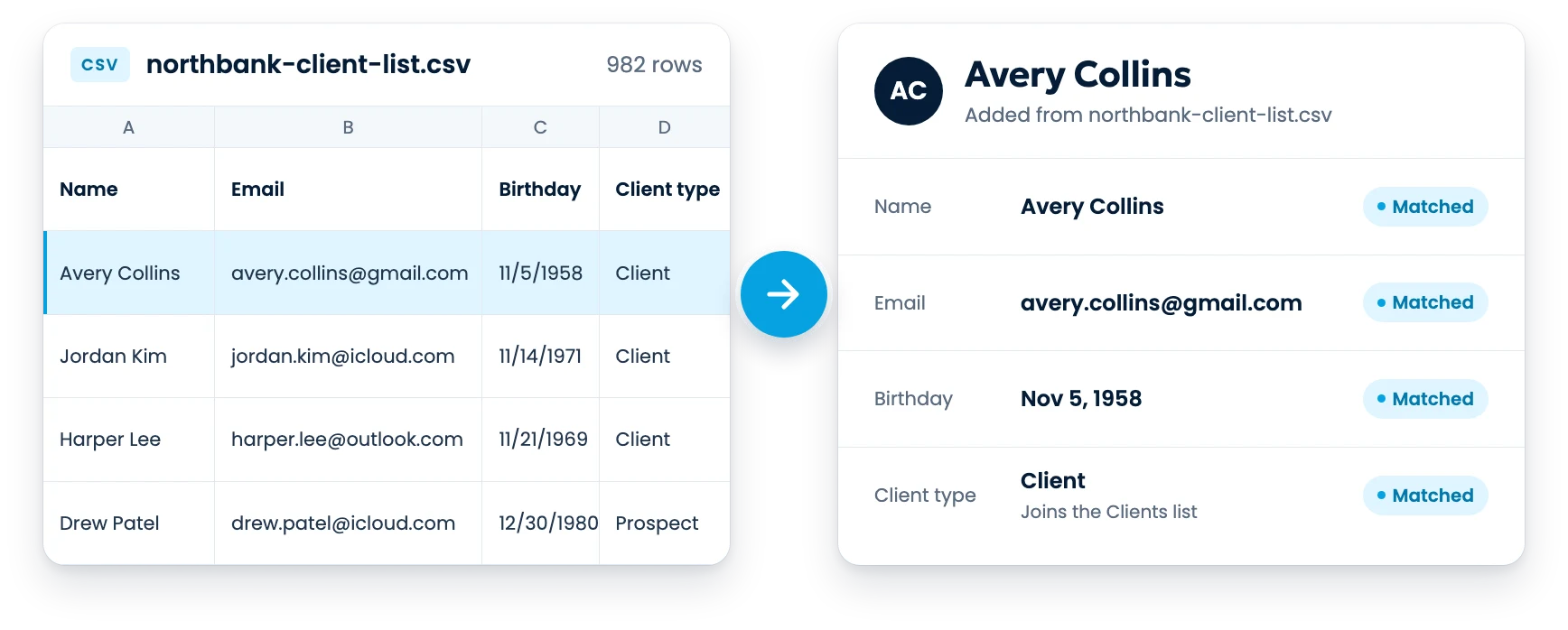
02 · Contacts & smart lists
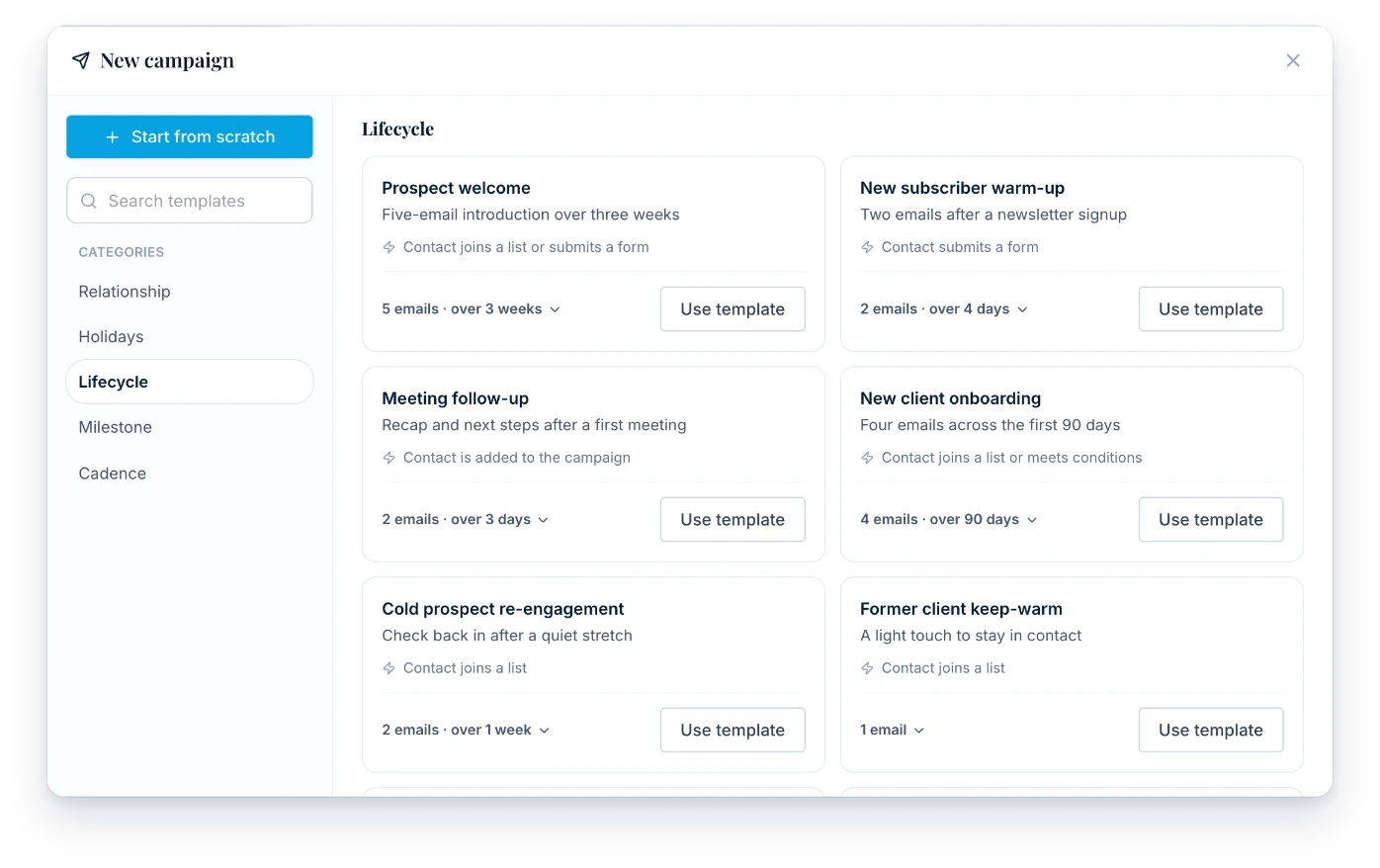
03 · Campaigns built for advisors
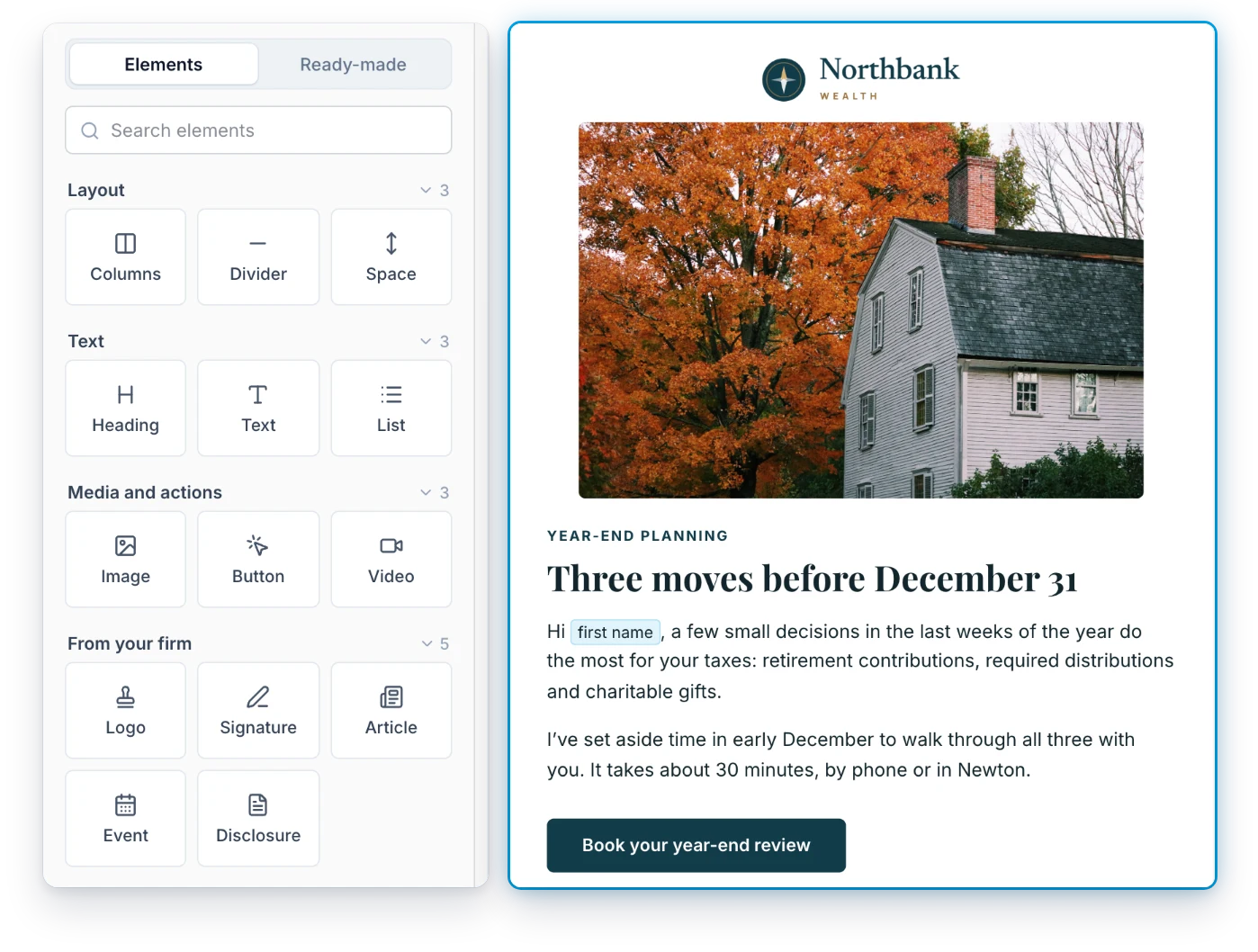
04 · Email Studio
05 · Pre-send checks & approval
06 · Automated campaigns
07 · Email results & contact history
Your website and follow-up, connected
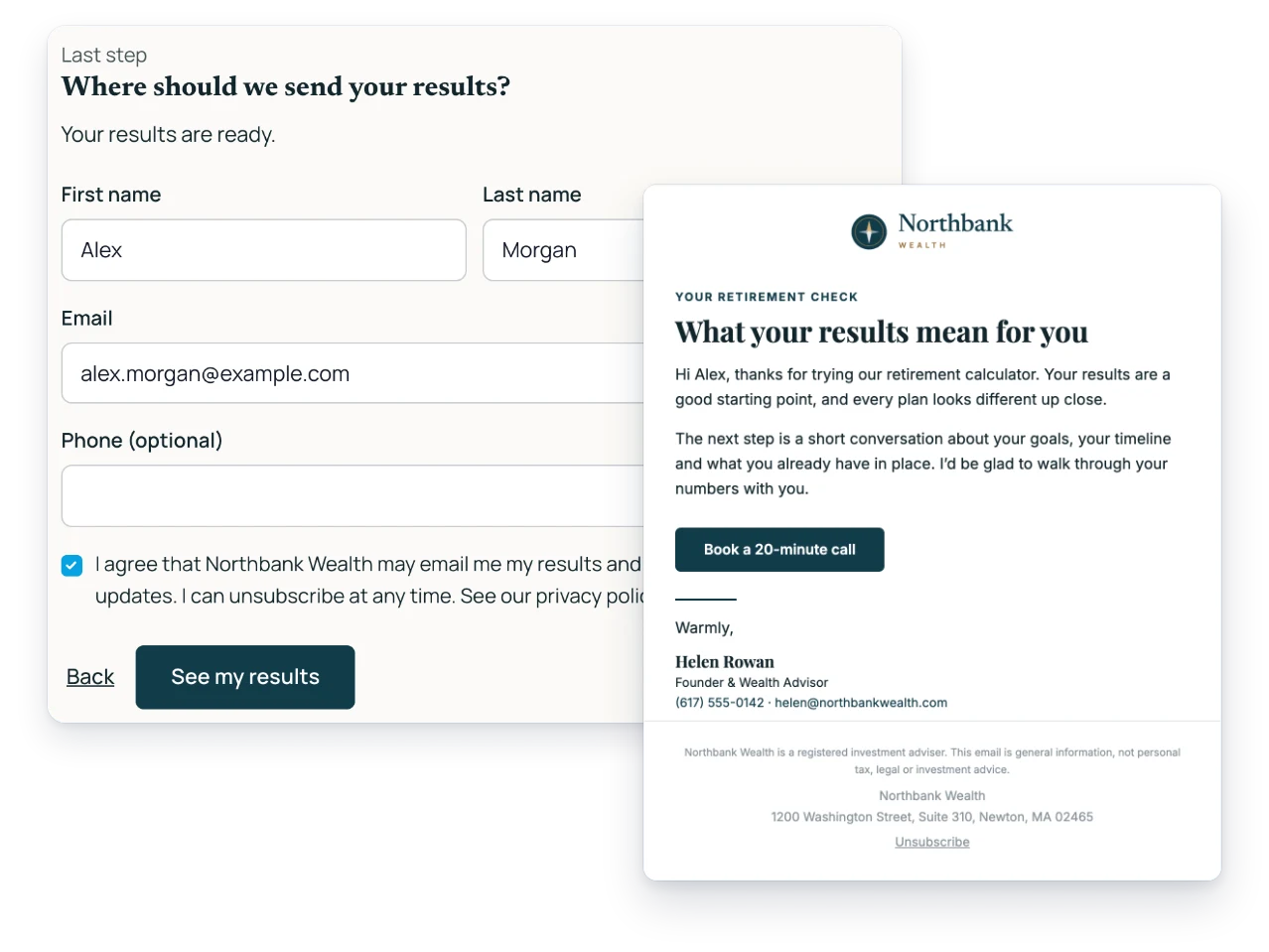
Turn a form submission or calculator result into an ongoing conversation. On a Kotafi website, new leads flow straight into your email campaigns.
Birthday, anniversary, holiday, and review campaigns keep client communication on schedule, year after year.
A new website lead can start an approved campaign within minutes. Team alerts help your advisors act when a prospect clicks.
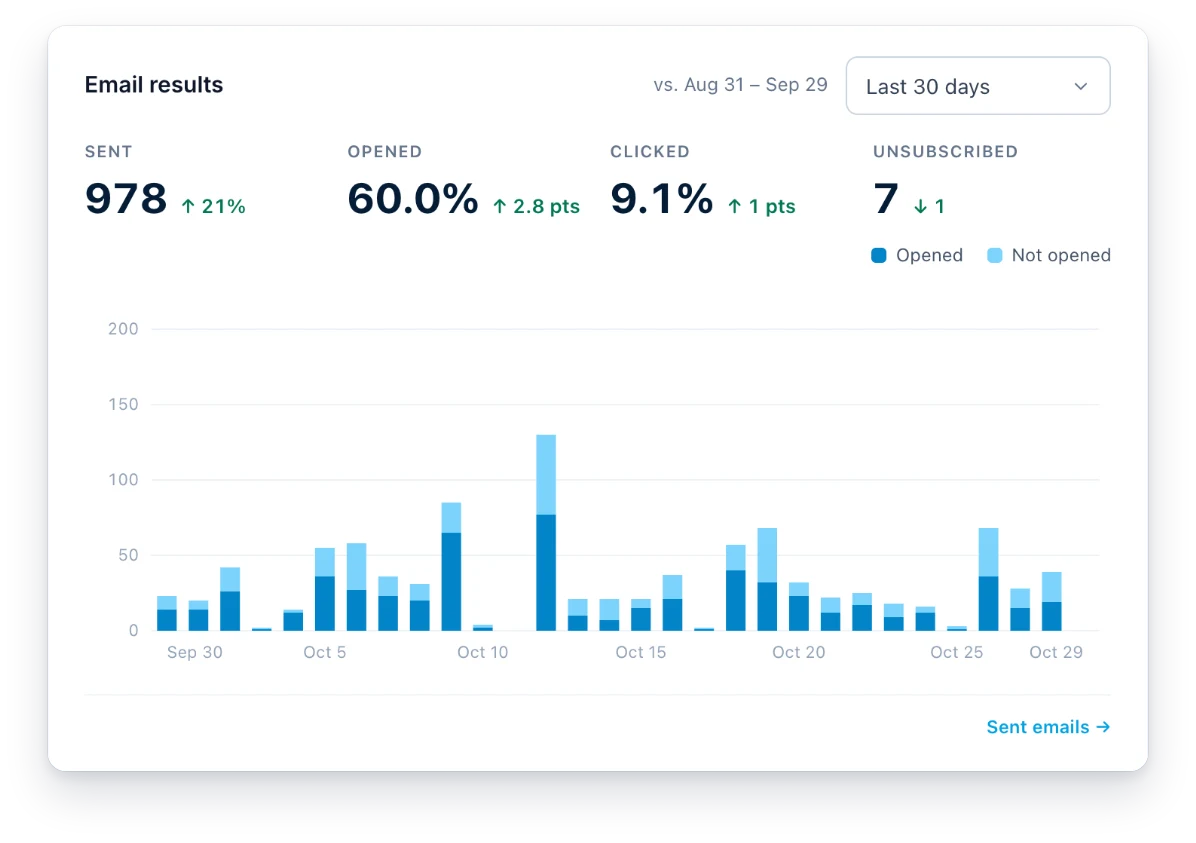
See what each contact received and send copies to your firm’s archive address, such as Smarsh or Global Relay.
Questions
Yes. Use campaigns, contact imports, one-off emails, and results with your website elsewhere. Automatic website lead capture into contacts and campaigns is available on Kotafi websites.
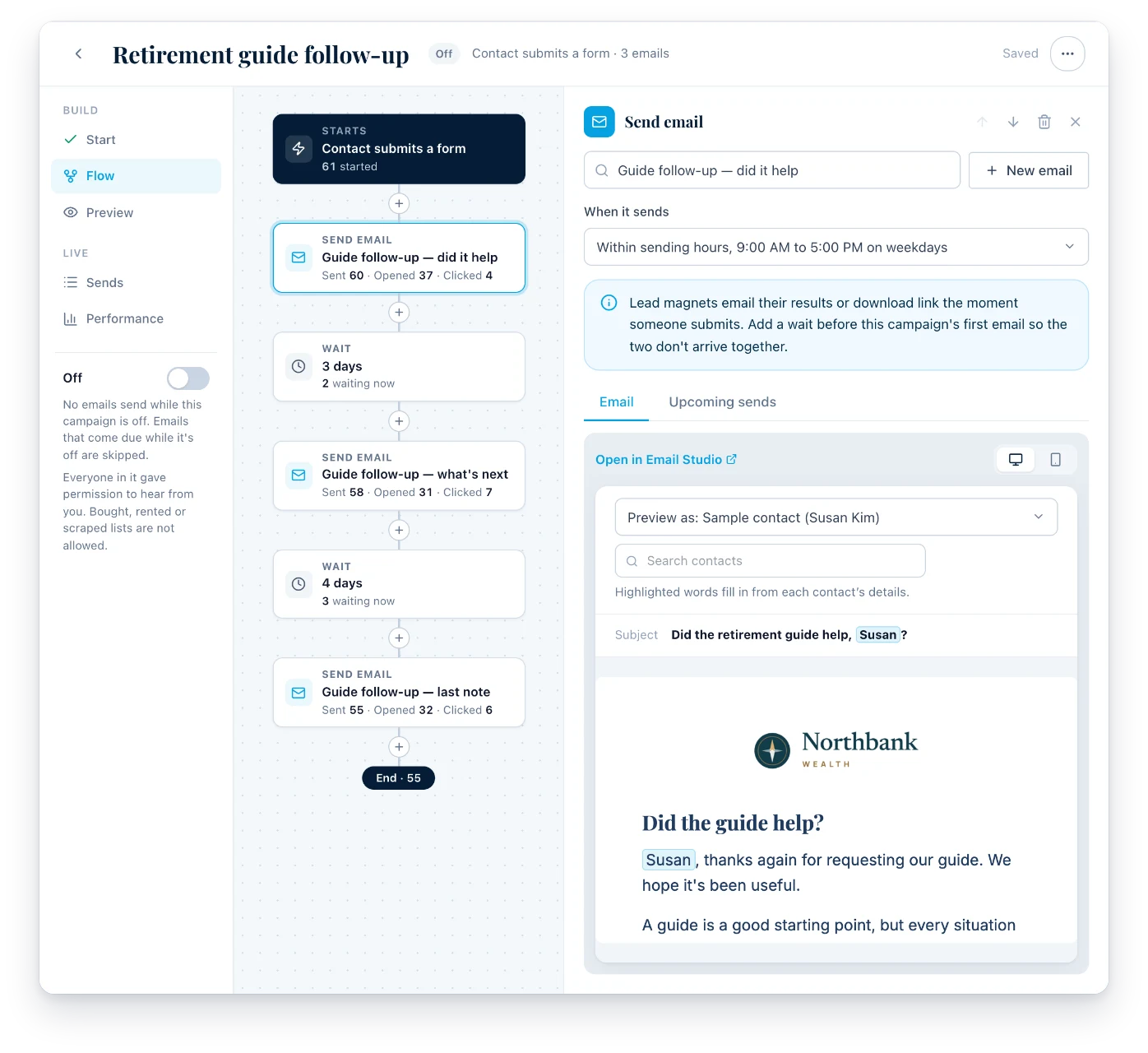
A list join, form or lead-magnet submission, confirmed newsletter sign-up, link click, or contact condition can start a campaign. Dates, ages, and weekly, monthly, quarterly, or yearly schedules can also trigger campaigns.
Yes. Import a CSV or Excel export of up to 10,000 rows per file. Kotafi includes export steps for Redtail, Wealthbox, and Salesforce. Review the suggested column matches and include your old opt-out column so unsubscribed contacts stay opted out. This is a file import, not a live CRM sync.
No. Start with a ready-made firm address and connect your own domain when you are ready by adding the required DNS records.
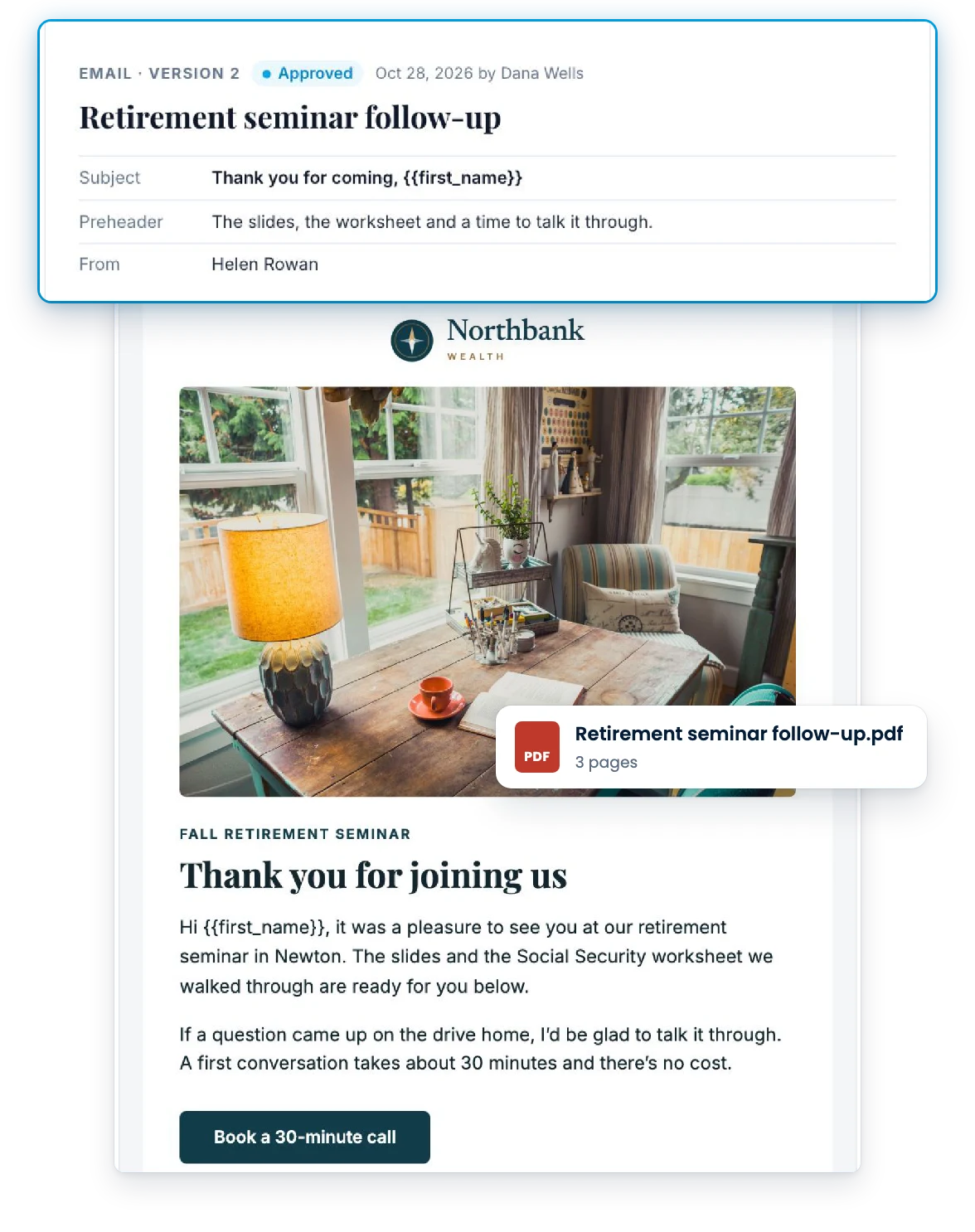
Your firm decides whether review is required and who approves. Review in Kotafi or record an outside review by PDF. When review is enabled, campaigns keep sending the approved version until edits are approved.
Yes. Download one campaign PDF with the audience, schedule, every email, and its timing and approval details for your broker-dealer’s advertising review.
Yes. Preview campaign emails as a real contact to check the subject and personalized fields before sending.
Sending hours and a daily limit manage campaign marketing emails, with one per contact per day by default. Birthday, anniversary, and immediate-response emails have exceptions; newsletters and one-off emails count toward the limit but still send. Contacts do not receive the same email twice for the same occasion.
Marketing emails stop across campaigns, one-off emails, and newsletters. Required notices marked as Service emails can still reach unsubscribed contacts. Bounced and spam-reported addresses receive neither.
Verify addresses before sending, automatically stop sending to bounced and spam-reported addresses, and use authenticated sending. If complaints or bounces rise too high, marketing sending pauses automatically to protect your firm’s reputation.
US clients and prospects who agreed to hear from your firm. Imports save your consent confirmation, and website forms preserve the consent on file. Bought, rented, and scraped lists are not allowed.
Yes. An admin can send an approved one-off email to lists or chosen contacts now or at a scheduled time. Newsletters send a published article, video, or podcast episode to subscribers.
Campaign emails start from templates or your firm’s own writing in Email Studio. The AI check scores writing, suggests rewrites, and flags potentially risky wording against your firm’s rules.
Make follow-up part of your system
Spend less time chasing follow-ups and more time building client relationships.
One connected marketing system
Build a website around your firm’s expertise, audience, and offices. Keep improving it with AI.
Explore websitesTurn your firm’s ideas into posts. Plan publishing and manage replies in one place.
Explore social mediaTurn an idea into a script, record with a teleprompter, and let AI help polish your video.
Explore video creation